
How I Use a Kanban Board For Content Creation
Hello! I want to introduce you to a concept I learned about many years ago working with Sobeys. I was the store administrator, and part of that job was ordering and organizing the cleaning supplies for the store. Quite a few years after I started, they implemented what was called a Kanban organization system. Ultimately, it is a visual tool to represent work flow. At Sobeys, we used it to know how many of any one item was used and how many should be ordered. It’s great as a project management tool because it’s straight forward and easy to understand.
I started incorporating a Kanban Board in my bullet journal many years ago to help me keep my videos organized. In a normal month, I don’t usually have to use this system as I don’t have many videos. However, in December it becomes an essential part of my process.
Here is an example of how I created my current one for 2025:
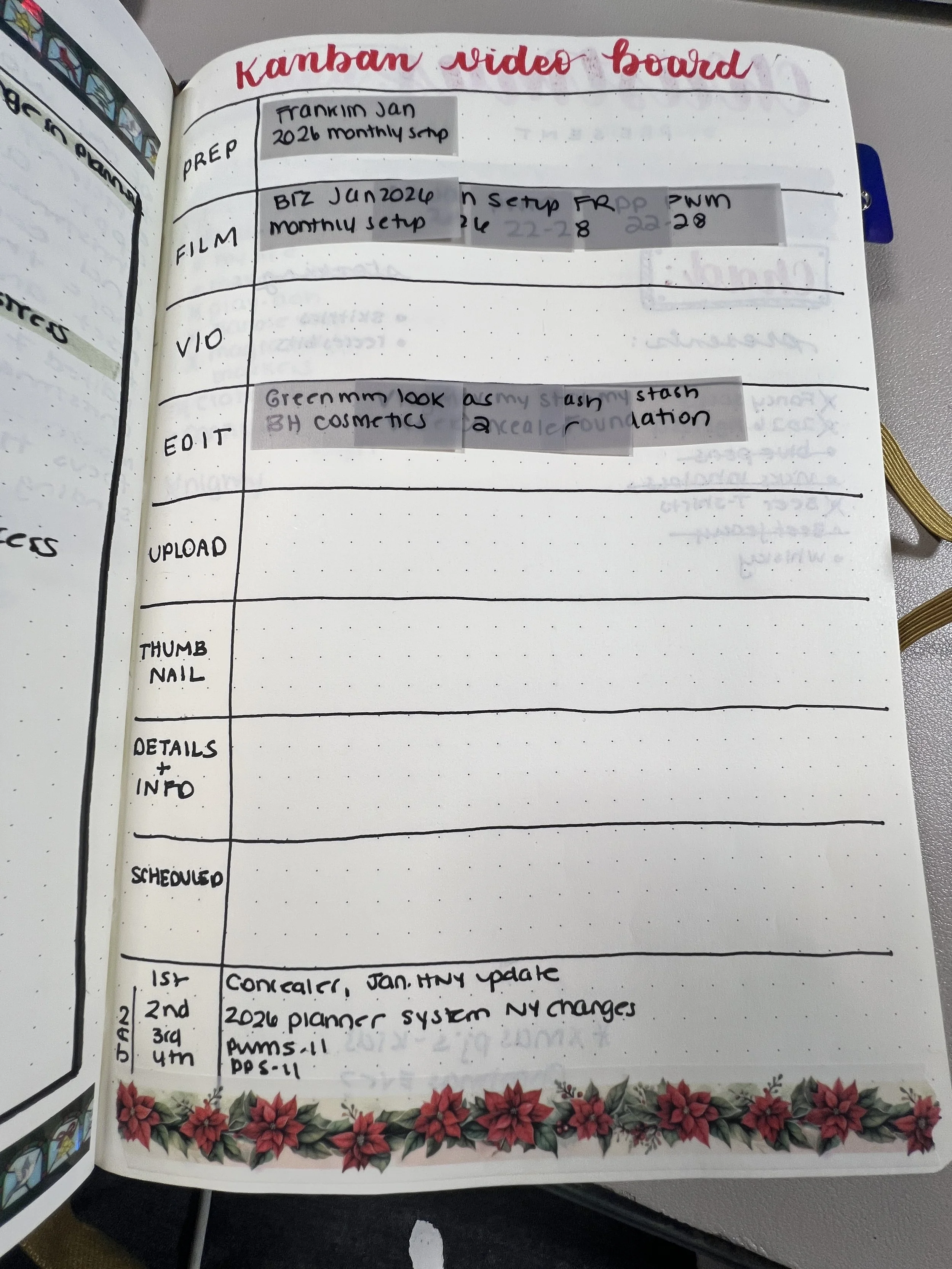
December, 2025 Kanban Video Board
As you can see, it’s the simplest thing to create. You can use a whiteboard or a smart board (particularly useful if you’re presenting to a large group of people), or create one from scratch like I did here. This is simply for my own personal use as I need to keep myself organized during the holiday season.
At the end of the season, I created a total of over 60 videos during the month of December. This is split over my two Youtube channels. But trust me, even if I have a calendar for filming and posting, it still gets confusing!
If you want to create your own (ie. you might be using yours for short form videos or reels, but it’s the same concept). Just record all the steps you do to complete your process and use a chart like I did above. Then take sticky notes and move the note for each video along the board until you’ve completed the process for that video.
Hopefully this blog was helpful and you can now add this tool to your social media tool kit and it will help you in keeping everything organized like it does for me!
Thank you so much for reading!
Cheers!
Sandra
